
Real estate templates
One flyer for every stage of a Oakland listing
Every design below is a live Pagescape template. Choose one and it opens in the editor with your details ready to fill in.
How it works
From listing photo to printed flyer in under five minutes
The clock starts when you open a template and stops when the print-ready file downloads. The only step you wait on is the build.
Pick a design
Choose Just Listed, Open House, Sold or Meet the Agent, then a template that suits the home.
Add the listing
Upload your photos and type the address, price, beds, baths and square feet. Your brokerage logo and contact details fill in from your saved branding.
Build
Pagescape composes the flyer with your photos and copy in about 90 seconds.
Tweak & download
Fix a word or swap a photo in place, then download a print-ready PDF or a JPEG for social posts.
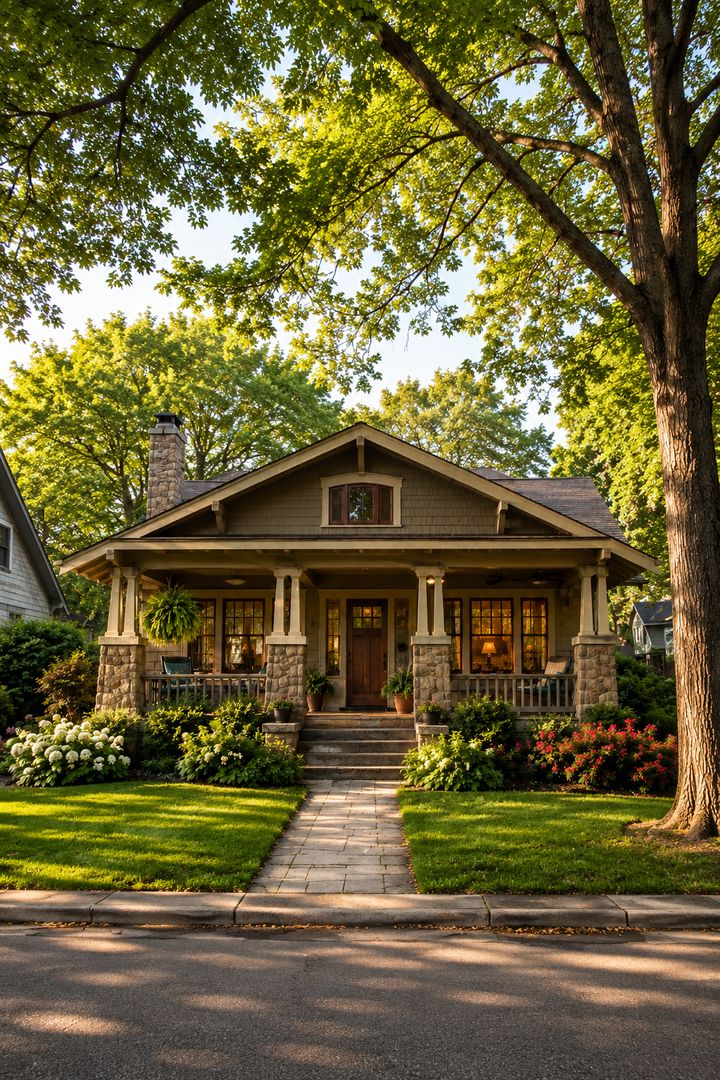
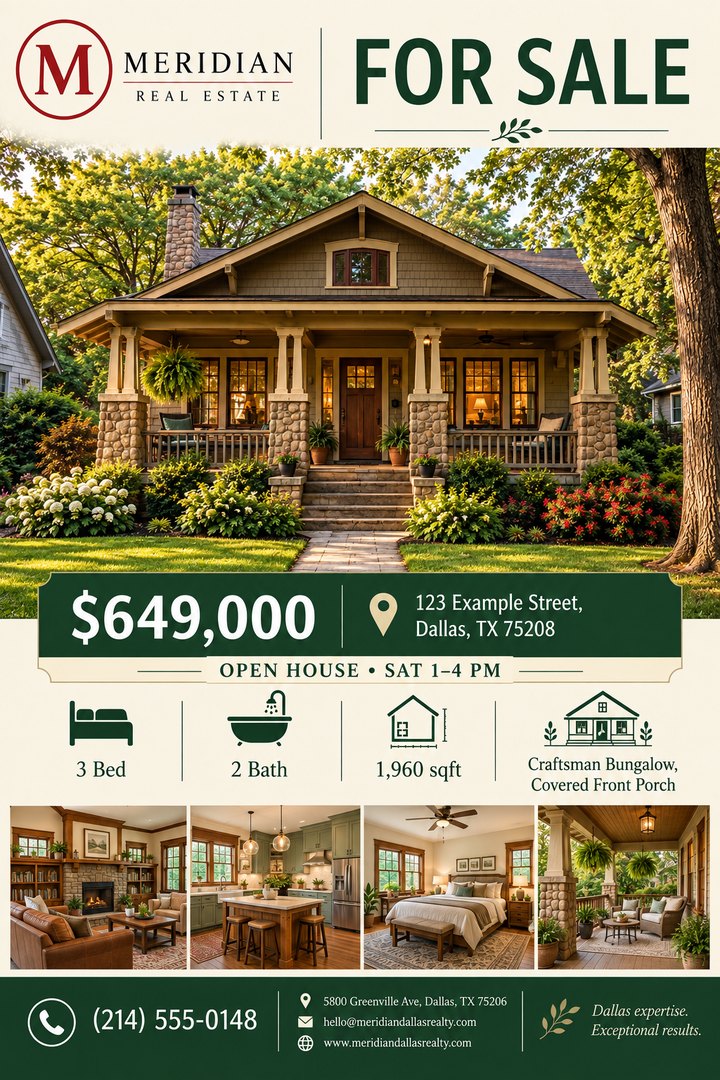
Example listing details
Oakland market
Built for how Oakland agents market a listing
Yard signs, mailers, open houses and social posts all do the work in a busy market. One template gives you all of them.
Use one template family across the whole sale. Launch with Just Listed, put Open House flyers on the kitchen counter and on Instagram Stories for the weekend, keep a listing sheet in the sign box, and finish with Sold to show the neighbors what you can do.
Priced per flyer, not per month
A flyer build costs 25 tokens (about 25¢), and tokens come from your shared Pagescape wallet. There's no designer to brief and no print-shop proof round.
Beyond the listing
More ways Oakland agents use these templates
Nearby
Real estate flyers across San Francisco–Oakland–Fremont
Questions
Real estate flyers in Oakland: FAQ
Can I really make a listing flyer in under five minutes?
Yes. You pick a template, type the listing details and upload photos, which takes about two minutes. The build takes about 90 seconds, and downloading is instant. Your logo, headshot and contact details come from your saved branding, so you never retype them.
Which flyer types can I make?
Just Listed, Open House, Sold and Meet the Agent, plus price-change, market-update, first-home-buyer and for-sale-by-owner flyers for prospecting. Every design is a Pagescape template you can edit.
Can I add my brokerage logo and my headshot?
Yes. Add them once in Branding & Advisors and every flyer uses them. You can also change them on any flyer in the Pagescape designer.
What sizes can I print?
Choose US Letter (8.5 × 11 in) or A4 when you build. The flyer is designed full bleed for that page size, and you can download a press-ready PDF with crop marks or a JPEG for social media and email.
How much does it cost to make a flyer?
Pagescape is a subscription plus tokens. The Lite plan is $12.50 a month, or $9.95 a month billed yearly, and includes 250 tokens a month; each token is worth 1¢. Building a flyer from your own copy costs 25 tokens (25¢), and replacing an image costs about 8 tokens. A press-ready real estate flyer typically costs less than $1, and extra token packs can be bought at any time.
Your next Oakland listing deserves better than a Word doc.
Pick a real estate template and have a flyer in your hands before your coffee cools.